Migrations
Migrate to WooCommerce or WordPress. Keep the exact same site.
We migrate stores and sites off Shopify, Squarespace, Wix, and even AI site builders. Then, we rebuild them pixel for pixel on WordPress and WooCommerce. Same design, same content, same URLs. Nobody notices the day it happened except your bill.

Migrating from…
Pick your platform, or ask about anything else

Shopify → WooCommerce
Cut app fees and transaction costs without losing your product catalog or your look.
See the migration

Squarespace → WordPress
Break through the customization ceiling while keeping every page exactly as designed.
See the migration
Wix → WordPress
Get real SEO control and an open platform, with the same layout your visitors know.
See the migration
Lovable → WordPress
Move off a generated app onto a platform you can actually maintain and scale long-term.
See the migrationWhy it’s not a DIY job
Most migrations break something you don’t notice until it’s too late.
Lost SEO rankings
Wrong redirects or dropped metadata can quietly tank years of search rankings.
Content that doesn’t carry over
Blog posts, product variants, and custom fields get mangled by generic import tools.
A design that “sort of” matches
Automated converters approximate your layout. We rebuild it to match, section by section.
Downtime customers notice
We stage, test, and QA the full site before cutover — so launch day is a non-event.
Our process
The same five steps, every platform
-
1
Full site audit
We map every page, product, and piece of functionality on your current site.
-
2
Rebuild the design
Layouts, spacing, and interactions recreated to match.
-
3
Migrate everything
Products, posts, customers, and media, moved with their structure intact.
-
4
QA everything
We compare every page side-by-side with your live site before anything ships.
-
5
Launch & redirects
DNS cutover and 301 redirects, so rankings and bookmarks keep working.
Product & Catalog Migration
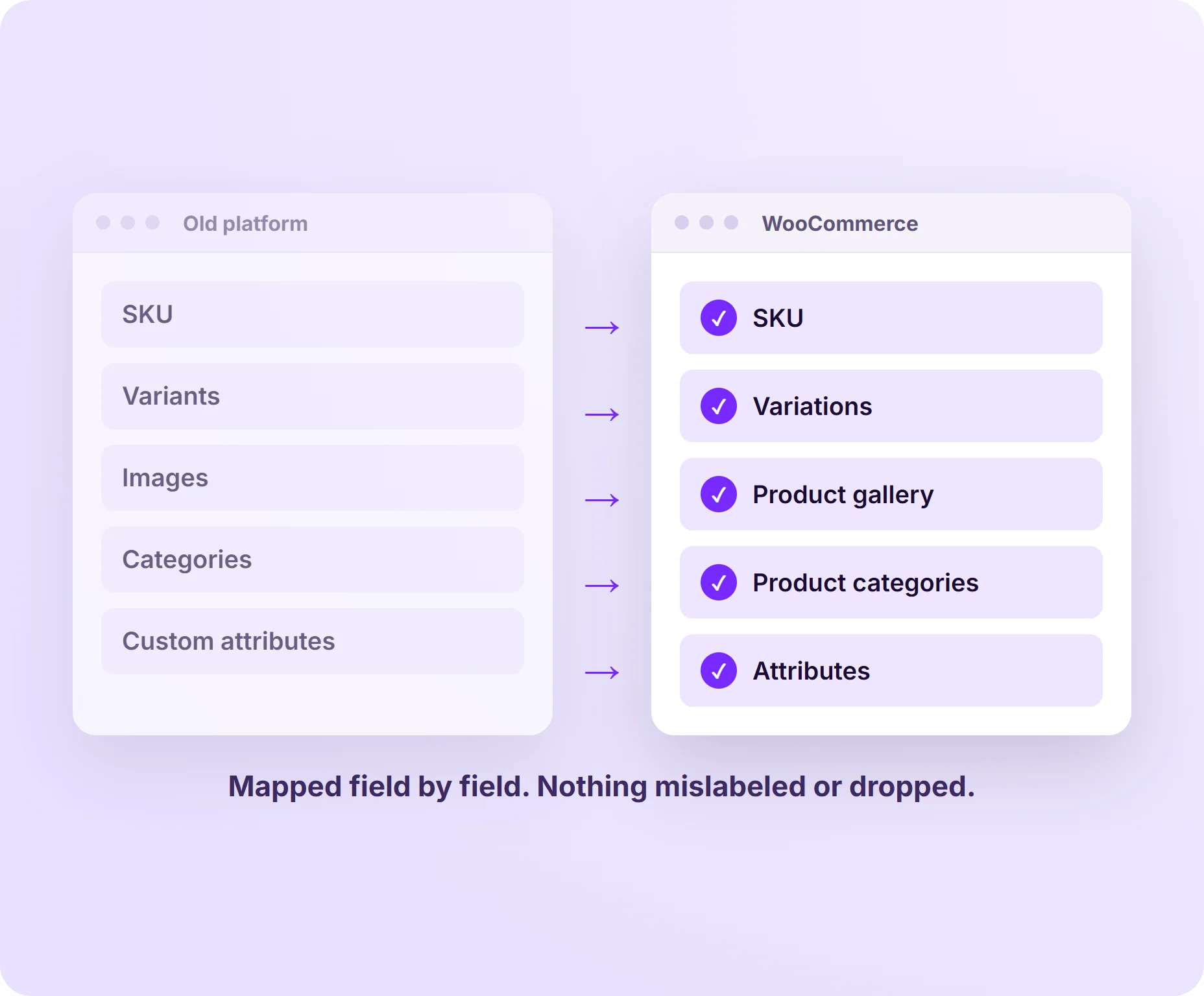
Your entire catalog gets rebuilt in WooCommerce: SKUs, variants, images, categories, and custom attributes. We map your old platform's data structure to WooCommerce's format field by field, so nothing gets mislabeled or dropped.
A careful migration means your product pages, variants, and catalog all show up exactly the way customers expect, right from day one.
We've moved catalogs out of Shopify, Magento, BigCommerce, Wix and Squarespace; MightyMigrate is the plugin we wrote to carry a Shopify store across, products, customers and orders included.
Order & Customer History
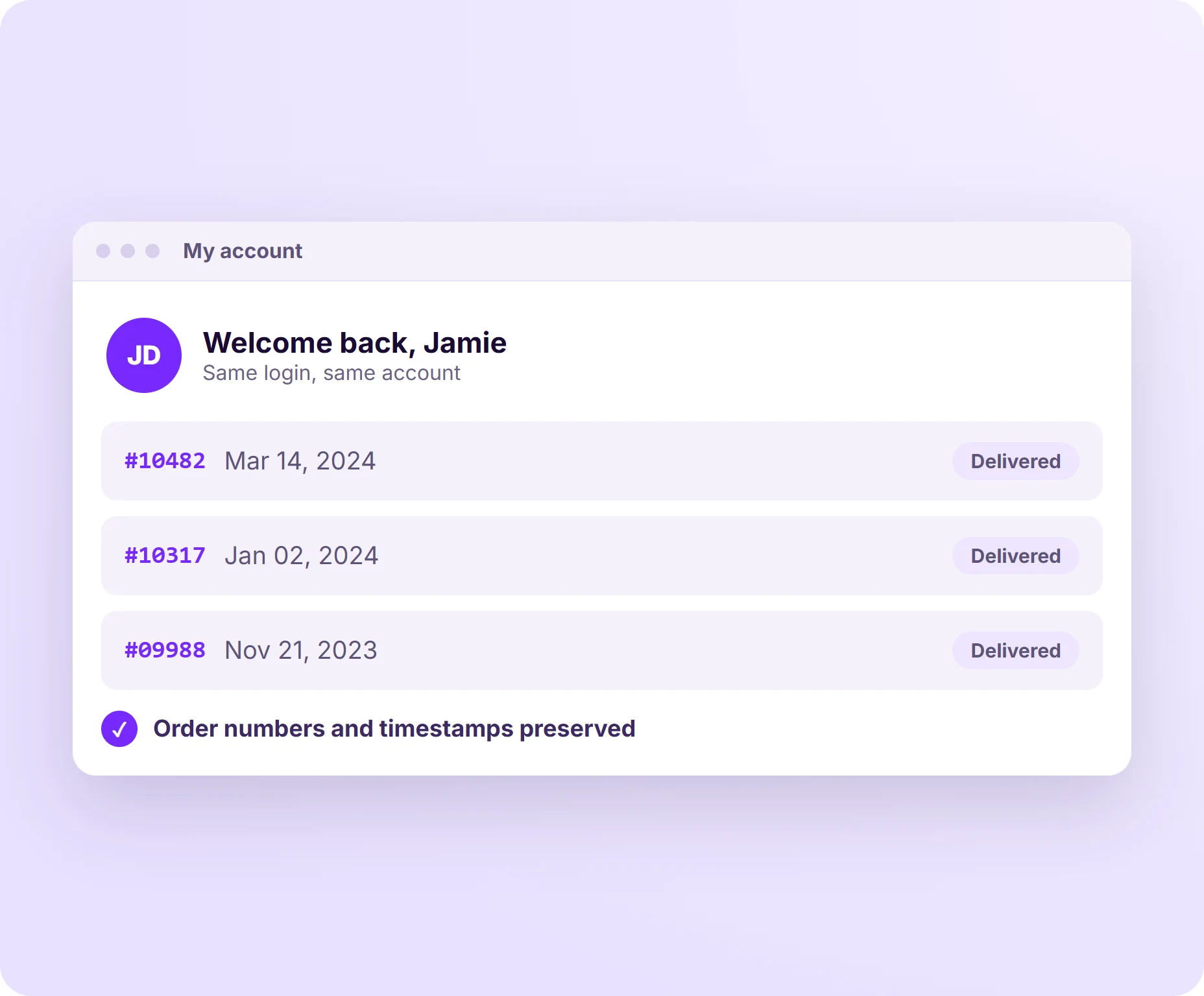
Past orders, account details, and purchase history move over so your customers log into their new account and see it's still them. We preserve order numbers and timestamps too.
Keeping that history intact means customers feel like nothing changed on their end, even though the whole platform underneath did.
Payment Gateway Setup
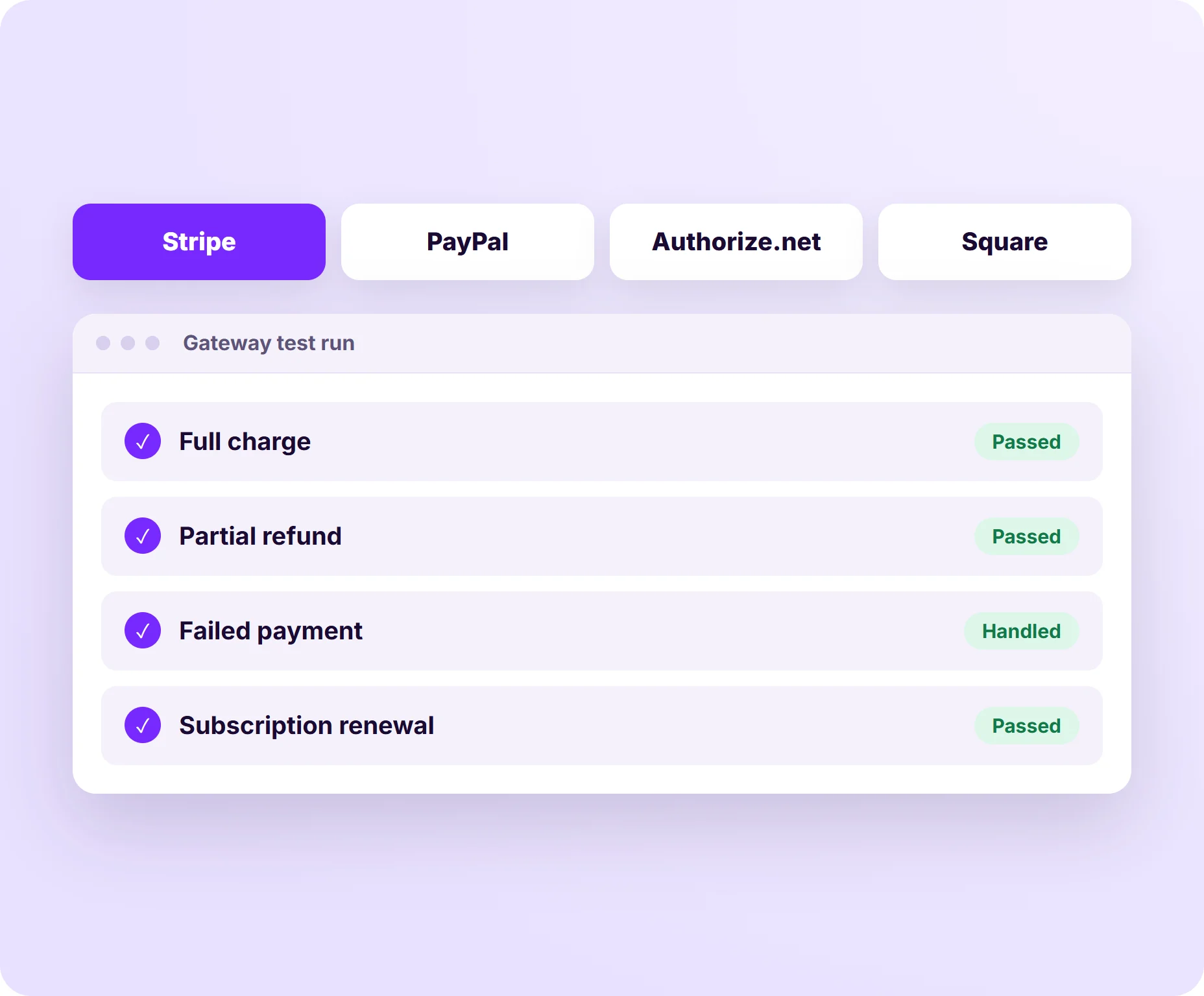
We reconnect your existing processor (Stripe, PayPal, Authorize.net, Square) or help you pick a better one for WooCommerce, then test every transaction type: full charges, partial refunds, failed payments, and subscriptions.
A properly configured gateway means checkout works smoothly from the very first sale, no hiccups, no lost revenue.
Migrate to WooCommerce Without the Headache
Whether you’re outgrowing your current platform or dealing with a broken custom build, we move your store to WooCommerce without losing what you’ve already built. Here’s what your migration includes:
-
Order & Customer History Transfer
Past orders, account details, and purchase history move over so your customers log into their new account and see it's still them. We preserve order numbers and timestamps too. Keeping that history intact means customers feel like nothing changed on their end, even though the whole platform underneath did.
-
Payment Gateway Setup
We reconnect your existing processor (Stripe, PayPal, Authorize.net, Square) or help you pick a better one for WooCommerce, then test every transaction type: full charges, partial refunds, failed payments, and subscriptions. A properly configured gateway means checkout works smoothly from the very first sale, no hiccups, no lost revenue.
-
SEO & URL Preservation
We audit your current URL structure, build a full redirect map from old paths to new ones, and preserve metadata, alt tags, and schema markup. A solid redirect plan means your search rankings and traffic carry right over to your new site instead of starting from scratch.
-
Theme & Design Rebuild
Instead of a copy-paste port, we rebuild your storefront natively in WooCommerce: same brand, same voice, but running on a foundation that's actually built for it. Building native means faster load times and fewer compatibility headaches down the road, your site stays flexible as your business grows.
-
Plugin & Feature Parity
We inventory what your old platform handled (shipping rules, tax logic, subscriptions, loyalty programs, product bundles) and find or build the WooCommerce equivalent. Full feature parity means customers experience an upgrade, not a downgrade, everything they relied on before still works, often better.
-
Staging & QA Testing
Before anything goes live, we build the full new store on a private staging environment and run it through real-world scenarios: checkout flows, shipping calculators, coupon codes, and mobile rendering. Catching issues in staging means your launch day goes smoothly, with customers never noticing a thing changed behind the scenes.
-
Launch & Post Migration Support
We handle the DNS cutover, monitor the first 48-72 hours closely, and stick around after launch for fixes and fine-tuning. Having support on standby means any edge case that pops up gets handled fast, so your momentum right after launch never slows down.
Get in Touch
We’d love to hear about what system you want to move away from.
"*" indicates required fields
Theme & Design Rebuild
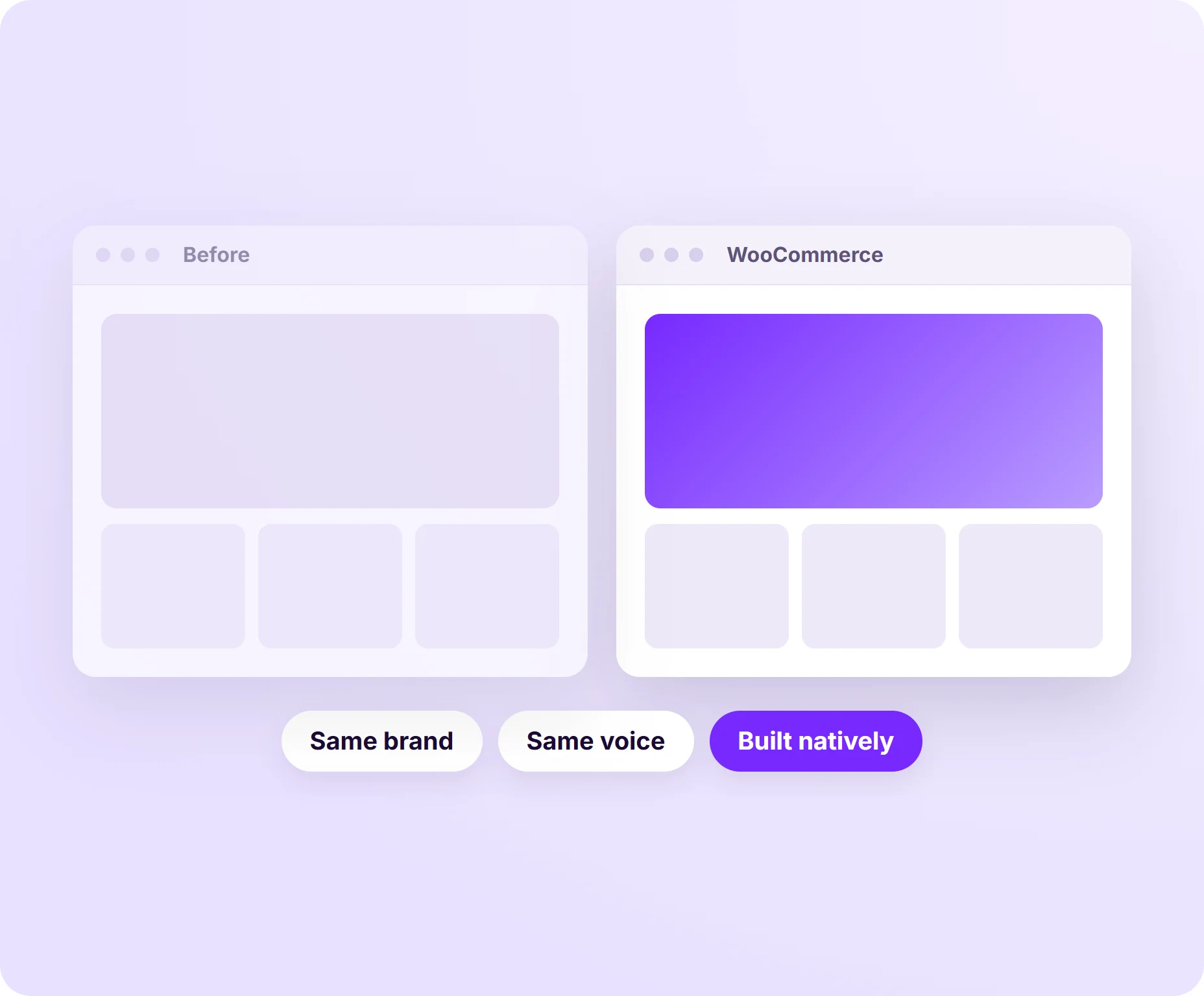
Instead of a copy-paste port, we rebuild your storefront natively in WooCommerce: same brand, same voice, but running on a foundation that's actually built for it.
Building native means faster load times and fewer compatibility headaches down the road, your site stays flexible as your business grows.
Platform pages: Shopify to WooCommerce, Wix to WordPress, Squarespace to WordPress and Lovable to WordPress. Magento and BigCommerce migrations follow the same five steps; ask us.
Plugin & Feature Parity
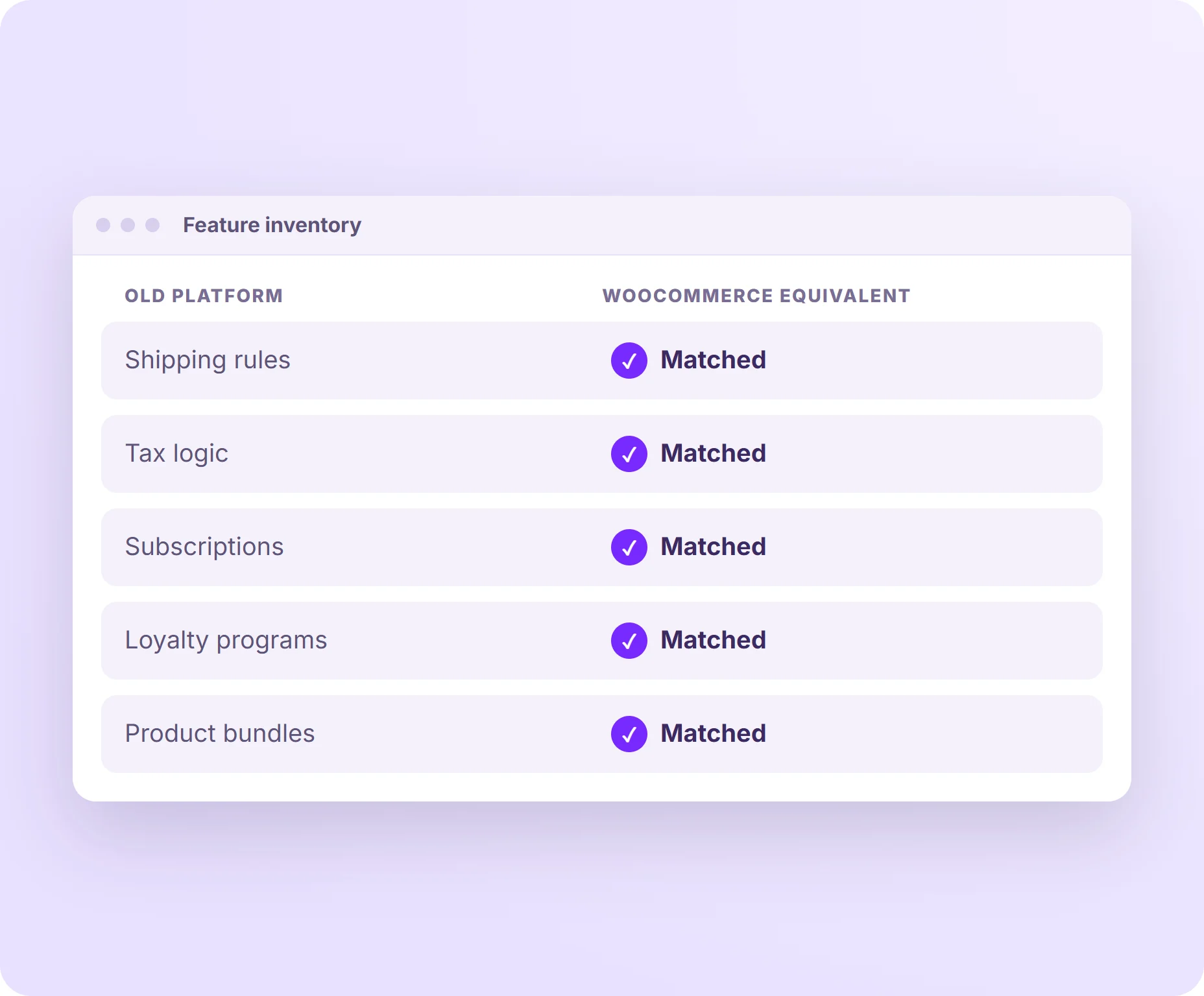
We inventory what your old platform handled (shipping rules, tax logic, subscriptions, loyalty programs, product bundles) and find or build the WooCommerce equivalent.
Full feature parity means customers experience an upgrade, not a downgrade, everything they relied on before still works, often better.
Staging & QA Testing
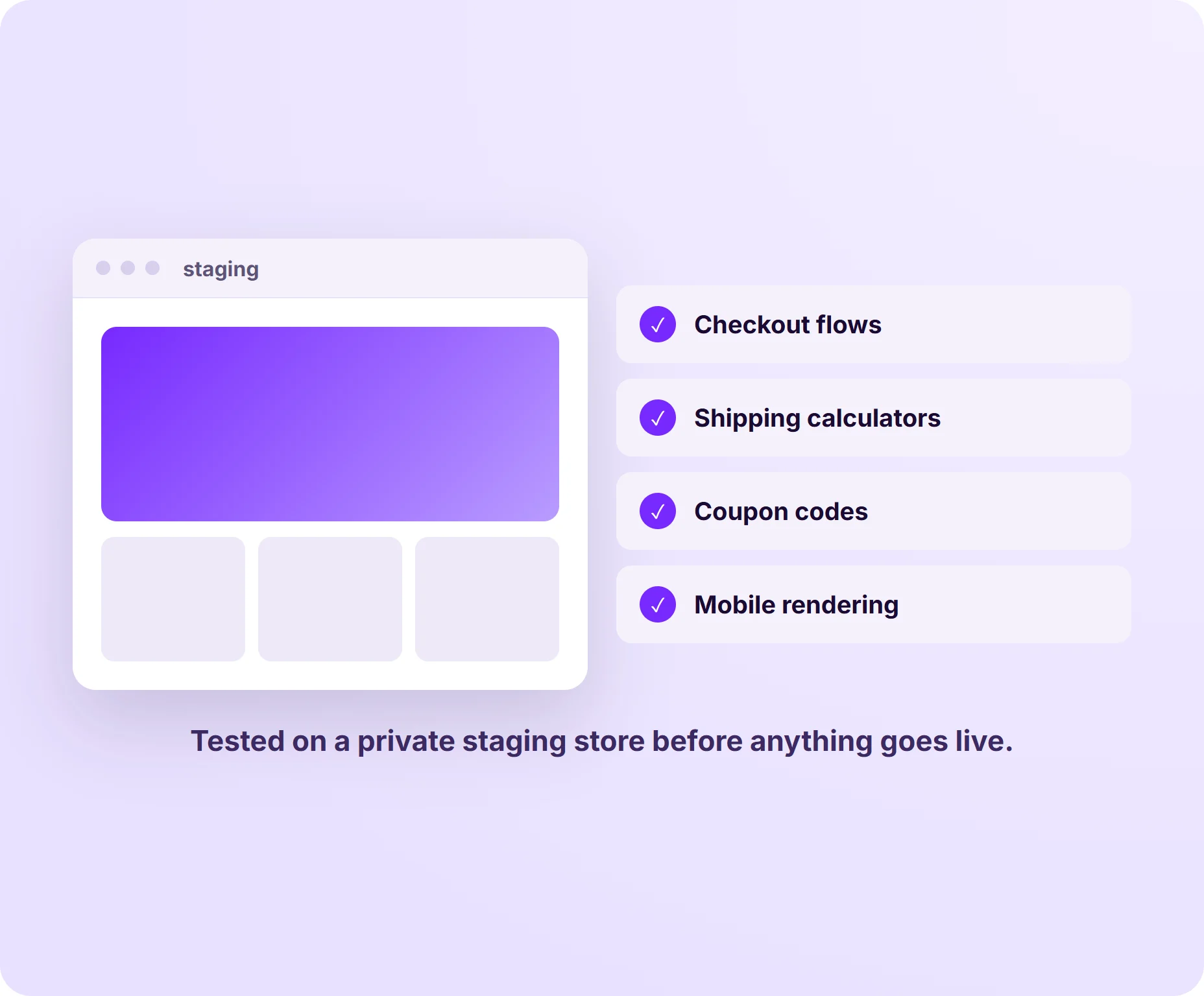
Before anything goes live, we build the full new store on a private staging environment and run it through real-world scenarios: checkout flows, shipping calculators, coupon codes, and mobile rendering.
Catching issues in staging means your launch day goes smoothly, with customers never noticing a thing changed behind the scenes.
Launch & Post-Migration Support
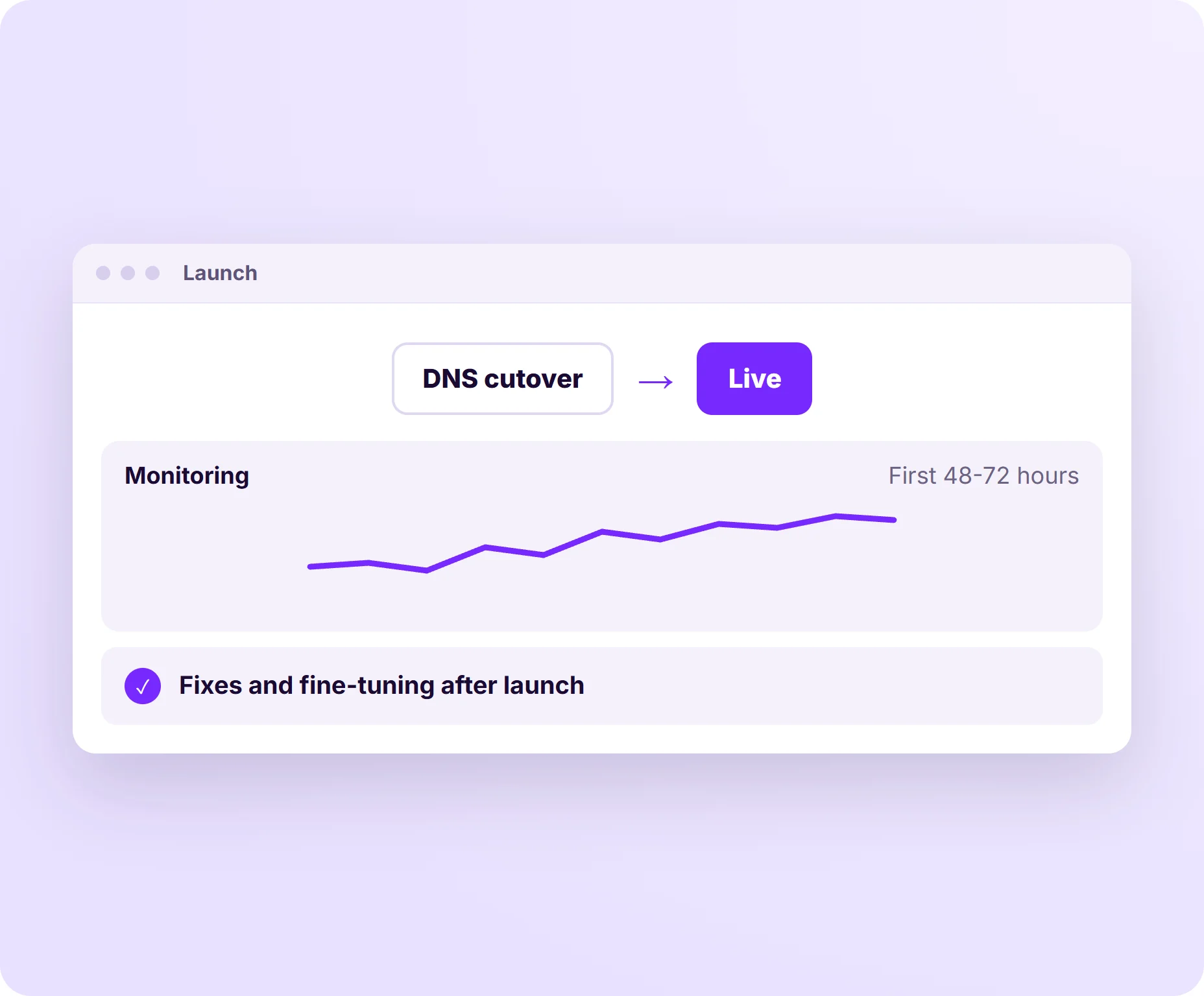
We handle the DNS cutover, monitor the first 48-72 hours closely, and stick around after launch for fixes and fine-tuning.
Having support on standby means any edge case that pops up gets handled fast, so your momentum right after launch never slows down.
Rankings are the thing people worry about most; here's how we keep them through a relaunch. After launch, a maintenance plan keeps the new store that way.
Proud to work with:
















Frequently Asked Questions
How long does a WooCommerce migration take?
Most migrations take 2 to 6 weeks, depending on catalog size and platform complexity. Stores with under 500 products and standard features move faster. Larger catalogs with custom integrations take longer to map and test properly.
Will I lose my SEO rankings when I migrate to WooCommerce?
Not if it’s done right. We build a complete redirect map from your old URLs to your new WooCommerce URLs, and preserve your metadata and schema markup along the way.
We also monitor rankings after launch. Dips only happen when redirects get missed or metadata gets dropped, which is exactly what our process is built to catch.
Can you migrate from Shopify to WooCommerce without losing customer data?
Yes. We transfer product catalogs, order history, and customer accounts in full. Customers log into their new account and their purchase history is right where they left it, nothing looks like it vanished.
What happens to my existing store during migration?
Your existing site stays live and untouched while we build the new WooCommerce store on staging. Nothing goes down until we’re ready to cut over, so there’s no downtime for your customers in the meantime.
What if something breaks after launch?
That’s what our post-migration support covers. We monitor the store closely in the days right after migration. If anything comes up, we’re on it fast, before it has a chance to affect your customers or your revenue.
Do you migrate Magento or BigCommerce stores to WooCommerce?
Yes. Magento 1 and 2 and BigCommerce exports map cleanly onto WooCommerce products, categories, customers and orders, and the design is rebuilt pixel for pixel like every other migration we do. The five steps on this page are the same; only the export tooling changes.
How much does a WooCommerce migration cost?
Most migrations are quoted as a fixed scope after we review the store: catalog size, number of integrations and how custom the theme is drive the number. Hourly work is $195. Ask for a quote on the contact page.
Let’s give your site a platform built to last.
Get a migration quote